 Cybersecurity
How to Minimize Ransomware Damage
Ransomware has now become a big problem for many people and businesses. It can lock up your files and make you pay money to get them back. This article will show how one can protect themselves from ransomware and what to do in case of an attack.
What is ransomware?
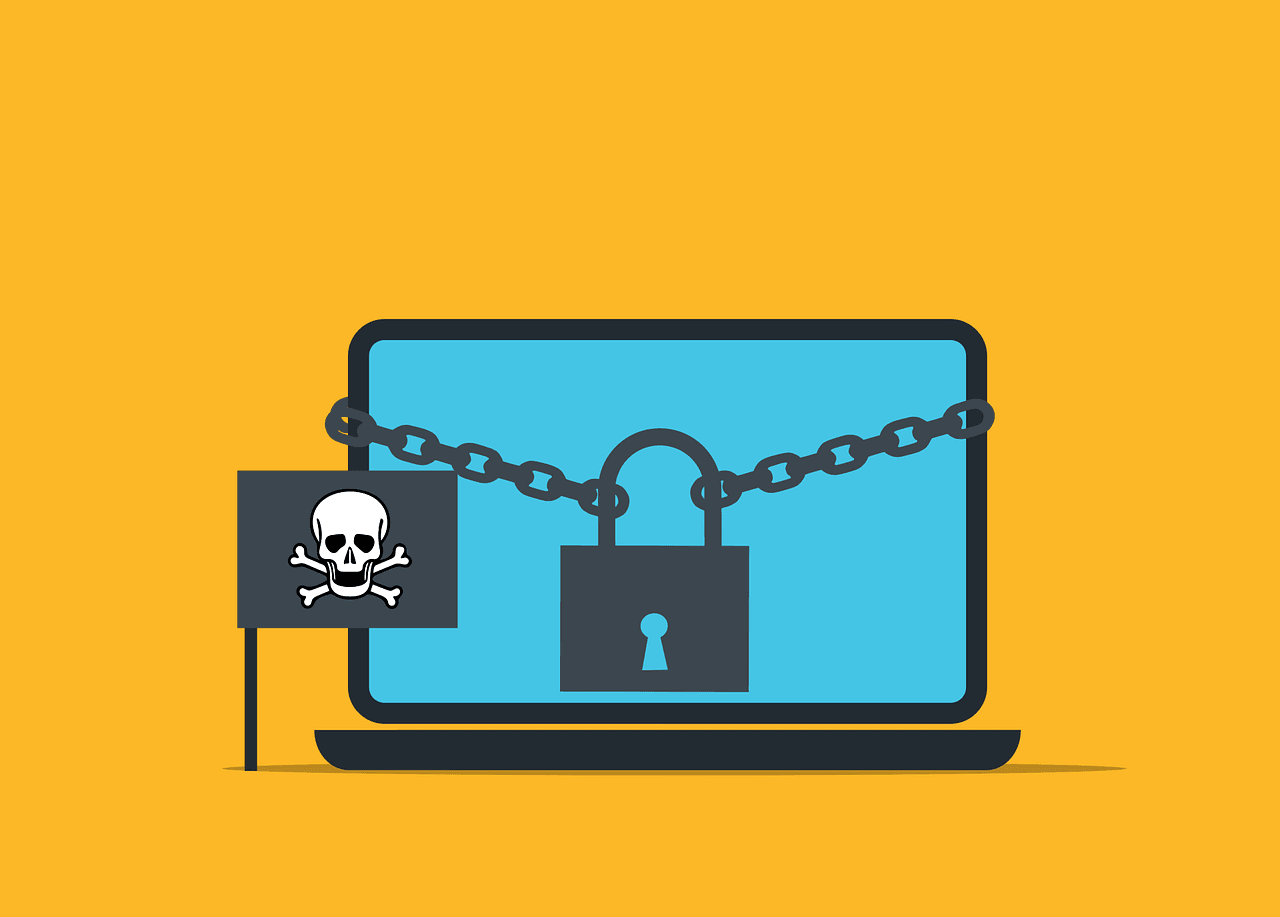
Ransomware is a type of bad software. It penetrates your computer, locks up your files, and then they ask you to pay money to unlock your files. This can be very scary and costly.
How does ransomware work?
Ransomware usually comes in through email or bad websites. It can also spread through networks. Once it’s in, it starts to lock up your files with strong codes. Then you see a message asking for money.
How can you prevent ransomware attacks?
There are many ways to stop ransomware before it hurts you. Here are some key steps:
Keep your software up to date
Always keep your computer and programs up to date. Updates often fix problems that ransomware uses to get in.
Use good antivirus software
Get strong antivirus software. Keep it turned on and updated. It can detect many kinds of ransomware.
Be careful with emails
Don’t open emails from people you don’t know. Don’t click links or download files unless you are sure they’re safe.
Back up your files
Copy your most important files and store them on something other than your primary computer. That way, if ransomware locks your files, you’ll still have copies.
What do you do if you get ransomware?
So you think you have ransomware? Don’t panic. Here’s what to do:
Disconnect from the network
Immediately disconnect your computer from the internet. This may prevent the ransomware from spreading or worsening.
Don’t pay the ransom
Experts say you shouldn’t pay. There’s no guarantee you’ll get your files back. Plus, paying encourages more attacks.
Report the attack
Tell the police about the attack. Also, report it to your country’s cyber security center. They can help and use the info to stop future attacks.
Use your backups
If you have backups, then you can restore your files from them. That is what backups are for, after all.
How can businesses protect themselves?
Businesses will want to take a few additional steps to remain safe. Here are some suggestions:
Train your employees
Train your employees about ransomware. Give them examples of what to watch out for, and what to do in case they encounter something suspicious.
Use strong passwords
Ensure that everyone uses good passwords. Also, use different passwords for different accounts. This might make the ransomware spread more slowly.
Limit access to key files
Not everyone needs access to every file. Provide access only to those needed to perform the job. This may limit how far ransomware can spread.
Have a plan ready
Have a strategy in place, in case you become a target of ransomware. Exercise it. Preparation will make you swift and thereby contain the damages.
How is ransomware evolving?
Ransomware is getting newer tricks all the time. Watch out for these:
Attacks on phones and tablets
Not only computers but also your phones and tabs could be attacked by ransomware now. Be wary with all your devices.
Double extortion
Some ransomware now steals your data before it locks it. Then the bad guys threaten to share your private info if you don’t pay. This makes the attack even worse.
Attacks on cloud services
Many people are migrating to the cloud for storing data. Ransomware has started targeting those services too. Ensure your cloud accounts are secure.
Stay Safe and Prepared
Ransomware is a serious threat, but you can protect yourself: keep your software updated, be careful online, and always have backups. If you run a business, train your team and have a solid plan. Stay alert and ready.
Do not try to face ransomware on your own. Contact us if you need any help with ransomware or have additional questions.
—
This Article has been Republished with Permission from The Technology Press.