 Cybersecurity
10 Steps to Prevent a Data Breach
Data breaches can harm your business. They can cost you money and trust. Let’s look at how to stop them from happening.
What is a data breach?
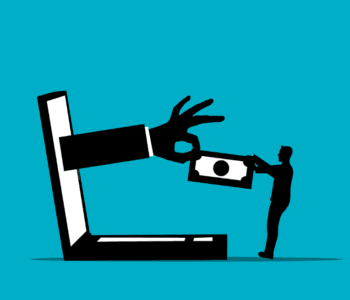
A data breach is when someone steals information. This can be names, emails, or credit card numbers. It’s bad for your customers and your business.
Why should you care about data breaches?
Data breaches are terrible things. They will cost you money. Perhaps your customers will stop trusting you. You may even be fined. It is vital to try to prevent them from occurring in the first place.
How do you prevent a data breach?
Here are 10 steps to help keep your data safe:
1. Use strong passwords
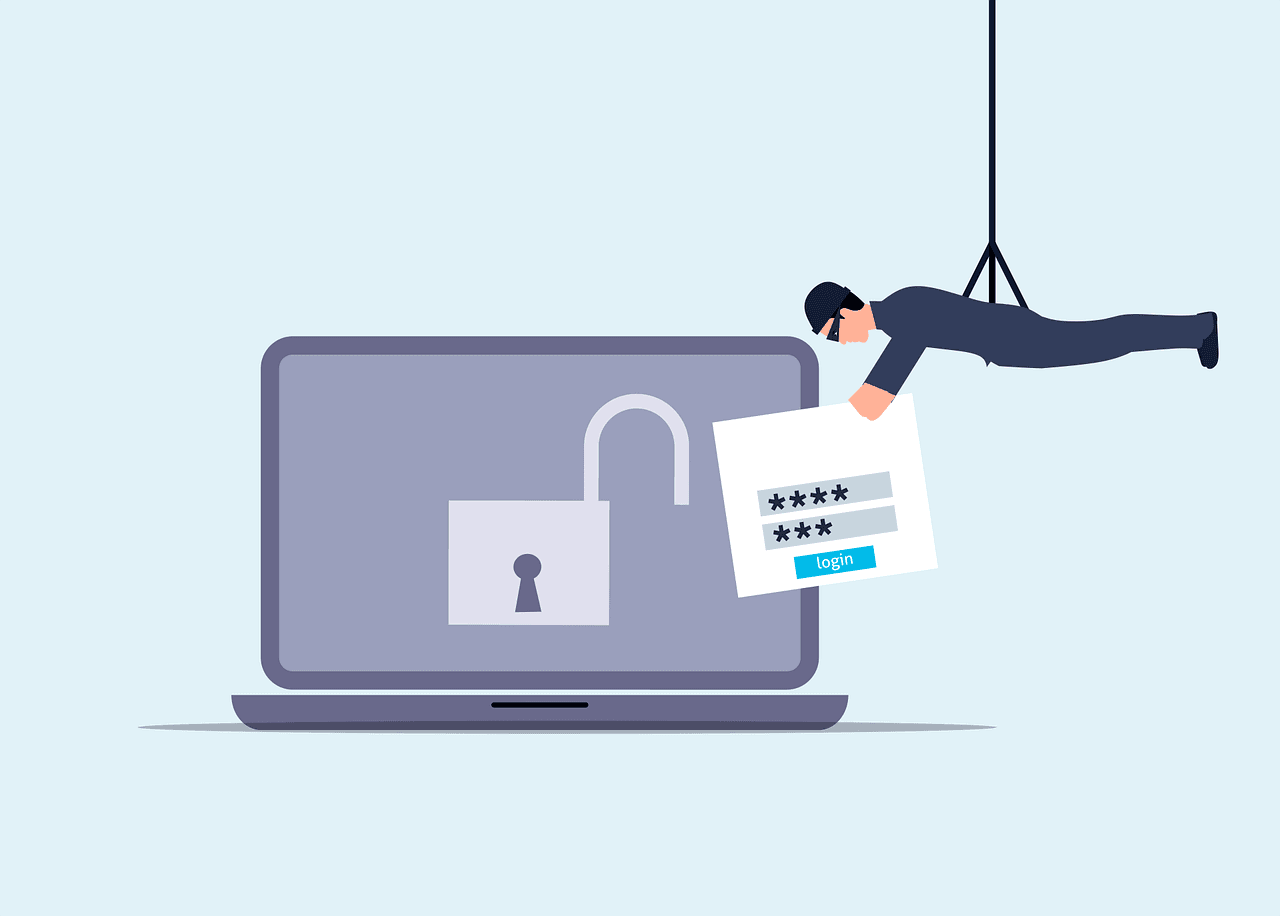
Use long, complex passwords that are hard to guess. Include letters, numbers, and symbols. Do not use the same password for all of your accounts.
2. Update your software
Always update your computer programs. Updates usually patch security holes. Have your computer set to update automatically.
3. Train your employees
Educate your employees on data security. Teach them how to identify fake emails. Inform them to not click on suspicious links.
4. Use encryption
Encryption scrambles your data. Only people who have a special key can read it. Use encryption on important information.
5. Limit access to data
Not everyone needs to know everything. Only give people access to what they need for their work.
6. Create backups of your data
Create copies of your important information. Keep these copies in a safe location. This helps in case anyone steals or destroys your data.
7. Use a firewall
A firewall acts like a guard for your computer. It blocks the bad things from getting inside. Always turn the firewall on.
8. Be careful with emails
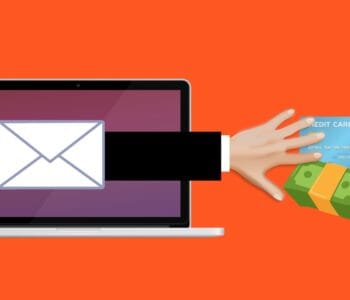
Almost every data breach starts with a trick email. Don’t open emails from people you don’t know. Never click on links unless you are sure that they are safe.
9. Protect your Wi-Fi
Use a strong password on your Wi-Fi. Do not leave the default password on. Update your Wi-Fi password frequently.
10. Have a plan
Prepare a plan if, in case of a data breach. Know whom to contact and what you should do. Do a practice drill so you are ready if there is an intrusion.
Even with good plans, data breaches can still happen. If one does, take action quickly. Inform your customers about the breach ASAP.
Fix the problem that led to the breach. Then, use what you learned from that mistake to make your security better.
At what frequency is security checked?
Keep checking your security. Look over it at least once a month. There are new dangers all the time. Keep informed about the most up-to-date ways of keeping the data safe.
Can small businesses be targets for data breaches?
Yes, small businesses can be targets too. Actually, most hackers target small businesses. They perceive their security level to be low. Whatever the size, make sure your business is prepared.
What are some tools that can prevent data breaches?
There are lots of tools to help keep data safe. Antivirus software stops bad programs. Password managers help you use strong passwords. VPNs keep your internet use private. Employ these tools to make your data much safer.
How much does it cost to prevent a data breach?
The cost may be high to prevent data breaches. But it costs less than fixing a breach after it has happened. Consider this as insurance for your data; thus, the cost is well worth keeping your business safe.
Stay Safe and Secure
Data safety is very important; it keeps your business and customers safe. Take these steps to prevent data breaches. Always be on guard against new threats. If you need help, ask an expert. They can make sure your data stays safe.
Don’t wait until it’s too late. Start protecting your data today.
—
This Article has been Republished with Permission from The Technology Press.