 IT Management
How to Properly Deploy IoT on a Business Network
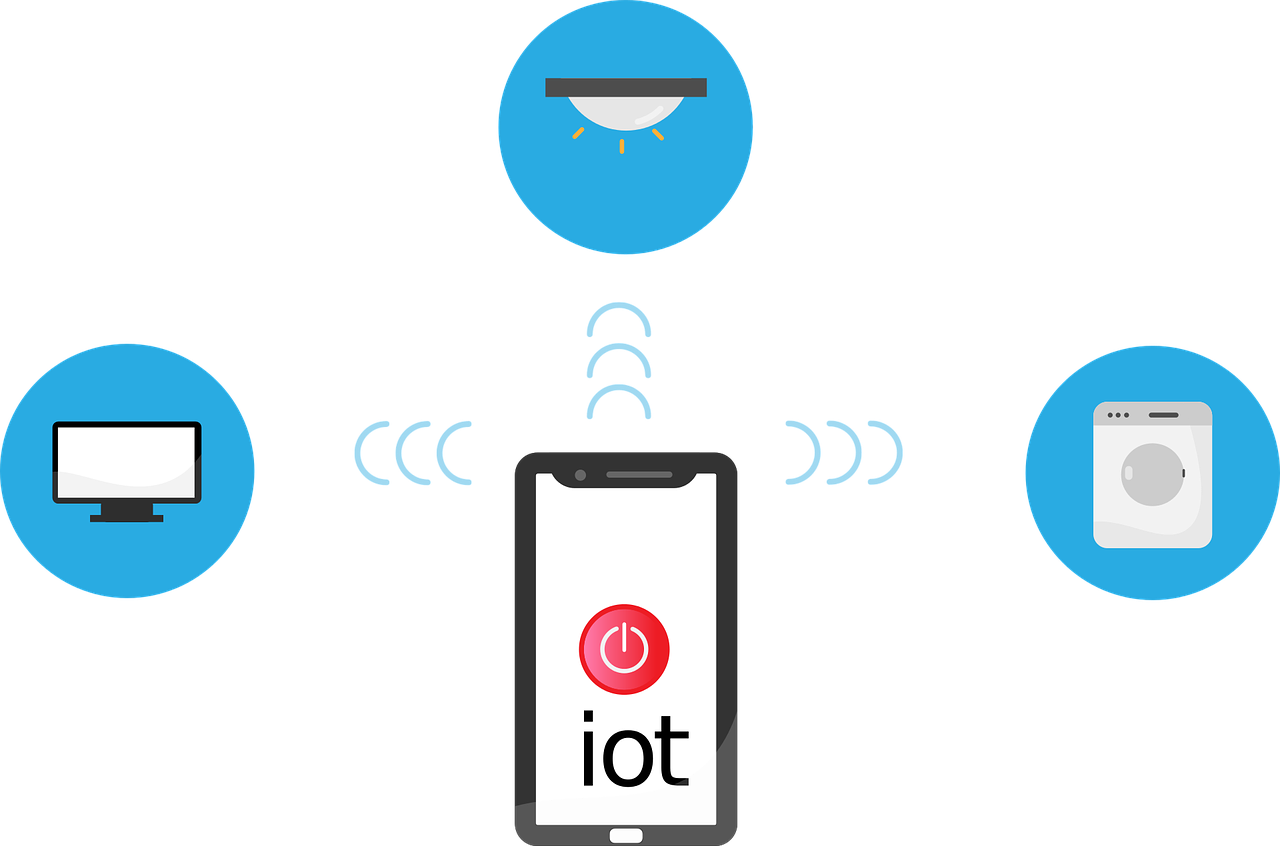
The Internet of Things (IoT) is no longer a futuristic concept. It’s rapidly transforming industries and reshaping how businesses operate. IoT is a blanket term to describe smart devices that are internet enabled. One example is smart sensors monitoring production lines. Connected thermostats optimizing energy consumption is another.
Experts project the number of connected devices worldwide to continue growing. It’s estimated to rise from about 15 billion in 2023 to 21 billion in 2026.
IoT devices are weaving themselves into the fabric of modern business operations. But successfully deploying them on your existing network isn’t always easy. It can feel like navigating a maze.
Have you been struggling with the integration of smart devices? This guide will equip you with the knowledge and steps you need.
Step 1: Define Your Goals and Needs
Before diving headfirst, it’s crucial to have a clear vision of your goals. Ask yourself and your team a few questions. These questions will help ensure you’re aligning smart devices with business needs.
What problem are you trying to solve with IoT?
Are you aiming to improve operational efficiency? Possibly, you want to gain real-time data insights. Or you may want to enhance remote monitoring capabilities.
It’s important to target your IoT device deployment. Defining the issue that it’s meant to solve helps you do that.
What type of data will you be collecting?
Take time to define the nature and volume of data generated by your chosen devices. This is essential for choosing the right network infrastructure.
What level of security do you need?
Security measures depend on the sensitivity of the data collected. You might need specific measures to protect it from unauthorized access.
Go through these questions as a first step. You’ll gain a clearer picture of your specific needs. This enables you to select the most appropriate IoT devices and network solutions.
Step 2: Select the Right Devices and Network Infrastructure
With your goals in mind, it’s time to choose your components. You’ll want to look at both the devices and the infrastructure of the network.
IoT Devices
When choosing smart devices, consider factors like:
- Compatibility with your existing infrastructure
- Data security features
- Scalability
- Power requirements
Research reputable vendors. Choose devices with strong security protocols in place. Look for good firmware protection.
Network Infrastructure
Your existing network might be lacking. It may not be equipped for the extra traffic and data generated by IoT devices. You may need to upgrade your bandwidth. As well as deploy separate networks for IoT devices. You may also need to invest in dedicated gateways. Ones that can manage communication between devices and the cloud.
Step 3: Focus on Security Throughout the Journey
Security is paramount in the realm of IoT. Compromised devices can become gateways for cyberattacks. Malware attacks on IoT devices increased 77% during the first half of 2022.
Here are some key security considerations.
Secure the Devices
Ensure the chosen devices have strong passwords. They should also be regularly updated with the latest firmware. You want to choose devices that offer features like encryption and secure boot.
Segment Your Network
Create separate networks for IoT devices and critical business systems. This minimizes the potential impact of a security breach on your core operations.
Install Network Access Control (NAC)
Install NAC solutions, such as multi-factor authentication. These controls restrict access to your network only to authorized devices. They also help you enforce security policies automatically.
Track and Maintain
Continuously track your network for suspicious activity. Regularly update your security protocols and software to stay ahead of evolving threats.
Step 4: Deployment and Ongoing Management
You should now have the necessary hardware and security measures in place. It’s time to deploy your IoT devices.
Here are some tips:
- Follow the manufacturer’s instructions carefully during installation and configuration.
- Test and confirm the functionality of your IoT devices. You should do this before fully integrating them into your network.
- Develop a comprehensive management strategy for your IoT devices. It should include regular maintenance, firmware updates, and issue monitoring.
Step 5: Continuous Learning and Improvement
The world of IoT is constantly evolving, and so should your approach. Here are some tips for continuous improvement.
Analyze the Data
Once your IoT devices are operational, analyze the collected data. This helps you gain insights, identify areas for improvement, and refine your strategy.
Embrace Feedback
Encourage feedback from stakeholders within your organization. Use it to constantly refine your implementation and address emerging challenges.
Stay Informed
Keep yourself updated on the latest trends and advancements in the IoT landscape. This empowers you to adapt and leverage new technologies as they emerge.
Successfully deploying IoT on your business network requires careful planning. As well as prioritization of security and a commitment to continuous improvement.
Get Expert Help for Your Network Devices
Need help embracing a proactive approach to IoT adoption? We can help you transform your business operations. As well as unlock the full potential of smart devices at your business.
Contact us today to learn more.
This Article has been Republished with Permission from The Technology Press.