Blog
-

Small Business IT Budget: What to Include and How to Plan It
Summary: Your IT budget should include the technology you already use, the support required to maintain it, and the upgrades you expect to make during the year. It should also cover cybersecurity, backups, employee changes, planned projects, and a reserve for urgent repairs or replacements. If your IT budget only covers computers, Microsoft 365, and…
-
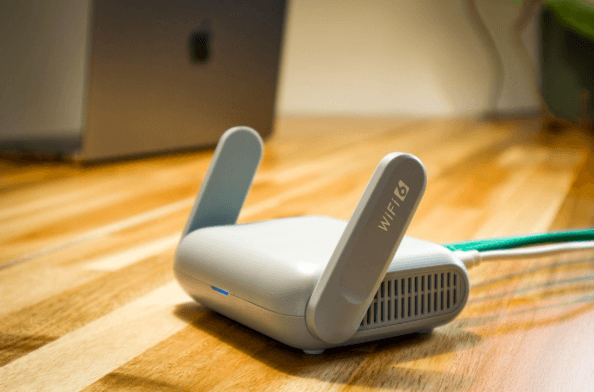
Why Guest Wi-Fi Should Be Separate From Your Business Network
Summary: Guest Wi-Fi should provide internet access while blocking connections to your internal business network. A different Wi-Fi name and password do not confirm that the networks are separated. The router, access points, and firewall must also be configured to prevent guest devices from reaching internal systems. Offering Wi-Fi to customers, contractors, and visitors is…
-

What Happens to Your Data When You Cancel a Cloud Service?
Summary: Before canceling a cloud service, export your data and confirm that the files can be opened or imported. Move any connected applications and sign-ins, then check the provider’s current rules for access, billing, retention, and deletion. A cloud service may hold years of customer records, documents, emails, invoices, project history, or staff activity. If…
Archived posts
-
What is Passkey Migration and How Can It Help Your Team Eliminate Passwords?
Your team locks everything down with passwords. Some are strong, some are not, and most have been reused somewhere over the years. Every month, IT fields reset requests. Every year, the same breach reports list stolen credentials as the leading cause. There is now a more effective path, and it does not require users to…
-
The “Zombie” SaaS Audit: Finding the 3 Apps Your Former Employees Still Access
Someone leaves the company on a Friday. By Monday, their email account is disabled, and their laptop is back in the pile. What nobody checks is their login to the project management tool they signed up for in Q3, the cloud storage folder they shared with a contractor, or the CRM access they still have…
-
Stop the Bleeding: How Revoking Admin Rights Eliminates Support Tickets
The most time-consuming ticket in your queue is rarely a hardware failure. It’s the PC infection that started when a user installed something they shouldn’t have been able to. Or it’s the broken configuration left behind after someone changed a setting IT can’t trace. Local administrator rights (the ability to install software, modify system settings,…