Blog
-
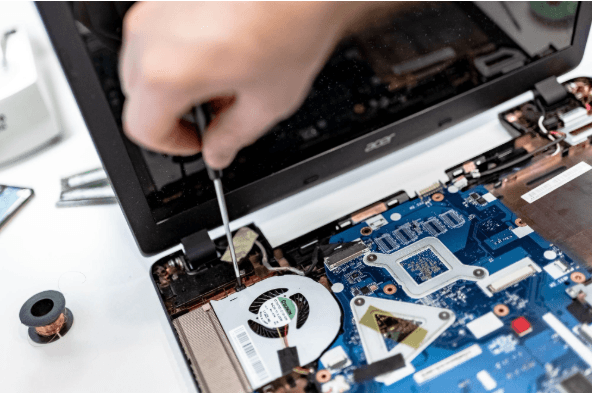
How Long Business Computers Last and When to Replace Them
Summary: Three to five years is a practical replacement range for many business computers. The right time depends on security support, reliability, performance, warranty coverage, repair costs, and the employee’s work. Replace any computer that cannot run a supported operating system or the software your business requires. Most business computers do not fail all at…
-

Small Business IT Budget: What to Include and How to Plan It
Summary: Your IT budget should include the technology you already use, the support required to maintain it, and the upgrades you expect to make during the year. It should also cover cybersecurity, backups, employee changes, planned projects, and a reserve for urgent repairs or replacements. If your IT budget only covers computers, Microsoft 365, and…
-
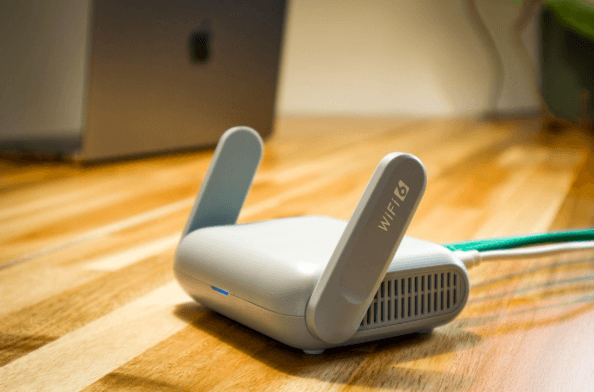
Why Guest Wi-Fi Should Be Separate From Your Business Network
Summary: Guest Wi-Fi should provide internet access while blocking connections to your internal business network. A different Wi-Fi name and password do not confirm that the networks are separated. The router, access points, and firewall must also be configured to prevent guest devices from reaching internal systems. Offering Wi-Fi to customers, contractors, and visitors is…
Archived posts
-
How to Prepare Microsoft 365 Permissions for a Safe Copilot Rollout
A safe Microsoft Copilot rollout starts with a permissions audit before any trial license is enabled. Microsoft 365 Copilot retrieves files, emails, and chats using each user’s existing Microsoft 365 permissions. In most tenants, those permissions are broader than anyone has mapped, because access tends to accumulate across years of projects, ad-hoc sharing, and staff…
-
5 Microsoft 365 Settings Worth Checking in Your Tenant
Microsoft has tightened several default settings in Microsoft 365 over the past few years. Newer tenants get more protection out of the box than tenants set up before 2022 or so. The problem is that legacy configurations stay in place. A setting changed for new tenants in 2024 doesn’t retroactively change in yours, and historical…
-
What Immutable Backup Means on Your Cyber Insurance Form
Cyber insurance applications include a question that catches a lot of small business owners off guard: “Do you maintain immutable, air-gapped, or offline backups of your critical business data?” Carriers added that question to renewal forms because ransomware operators worked out that the fastest way to force a payout is to wipe the backups first…