Blog
-

How Hackers Keep Access to Your Email After You Change the Password
Summary: Changing the password blocks someone from signing in with the old password. However, they may still have an active session, a forwarding rule, access through a connected app, mailbox permissions, or a recovery method they added. When someone gets into a business email account, changing the password should happen immediately. Once that is done,…
-
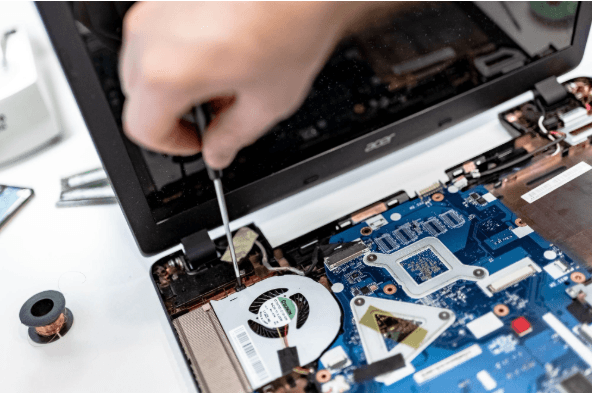
How Long Business Computers Last and When to Replace Them
Summary: Three to five years is a practical replacement range for many business computers. The right time depends on security support, reliability, performance, warranty coverage, repair costs, and the employee’s work. Replace any computer that cannot run a supported operating system or the software your business requires. Most business computers do not fail all at…
-

Small Business IT Budget: What to Include and How to Plan It
Summary: Your IT budget should include the technology you already use, the support required to maintain it, and the upgrades you expect to make during the year. It should also cover cybersecurity, backups, employee changes, planned projects, and a reserve for urgent repairs or replacements. If your IT budget only covers computers, Microsoft 365, and…
Archived posts
-
10 Knowledge Management Strategies That Will Unlock Your Team’s Brainpower
Is your team constantly reinventing the wheel? It might be time to build a smarter way to share what you already know. Every small business runs on shared knowledge. How things work, what’s been tried, and what actually delivers. But when that knowledge isn’t documented, mistakes repeat, and progress slows. Inefficient knowledge sharing impacts businesses…
-
Securing Your Supply Chain: Practical Cybersecurity Steps for Small Businesses
Picture this: your business’s front door is locked tight, alarm systems are humming, and firewalls are up, but someone sneaks in through the back door, via a trusted vendor. Sound like a nightmare? It’s happening more often than you think. Cybercriminals aren’t always hacking directly into your systems anymore. Instead, they exploit the vulnerabilities in…
-
Save Time and Money by Automating Workflows with Power Automate
Let’s be honest, operating a small or medium-sized business requires wearing multiple hats. From chasing approvals to manually updating spreadsheets, it’s easy for your team to get stuck doing time-consuming tasks that drag down productivity. That’s where smart IT solutions come in, and one of the most effective tools available today is Microsoft Power Automate.…