Blog
-

How Hackers Keep Access to Your Email After You Change the Password
Summary: Changing the password blocks someone from signing in with the old password. However, they may still have an active session, a forwarding rule, access through a connected app, mailbox permissions, or a recovery method they added. When someone gets into a business email account, changing the password should happen immediately. Once that is done,…
-
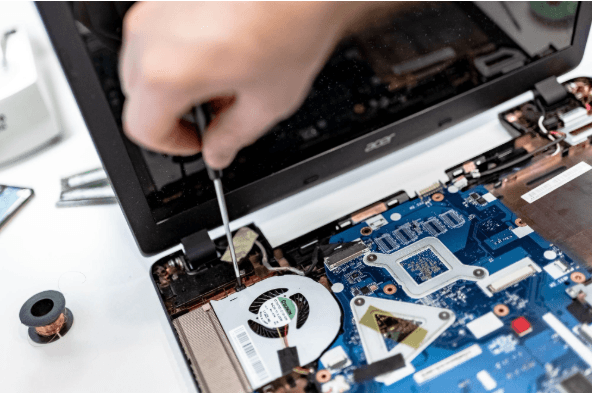
How Long Business Computers Last and When to Replace Them
Summary: Three to five years is a practical replacement range for many business computers. The right time depends on security support, reliability, performance, warranty coverage, repair costs, and the employee’s work. Replace any computer that cannot run a supported operating system or the software your business requires. Most business computers do not fail all at…
-

Small Business IT Budget: What to Include and How to Plan It
Summary: Your IT budget should include the technology you already use, the support required to maintain it, and the upgrades you expect to make during the year. It should also cover cybersecurity, backups, employee changes, planned projects, and a reserve for urgent repairs or replacements. If your IT budget only covers computers, Microsoft 365, and…
Archived posts
-
From Offer Letter to First Login: How IT Makes New Hire Setup Easy
There’s nothing worse than walking into a new job and spending your first day filling out forms, asking where the bathroom is, and staring at a screen that still doesn’t have your login credentials. It’s awkward, overwhelming, and not the welcome anyone hopes for. According to Gallup, only 12% of employees strongly feel that their…
-
Don’t Let Outdated Tech Slow You Down: Build a Smart IT Refresh Plan
Nothing throws off your day like a frozen screen or a sluggish computer. If you run a small business, you’ve probably dealt with outdated tech more than once. Sure, squeezing extra life out of old equipment feels economical, but it often costs more in the long run. Small businesses lose approximately 98 hours per year,…
-
Building a Smart Data Retention Policy: What Your Small Business Needs to Keep (and Delete)
Does it ever seem like your small business is overwhelmed with data? This is a very common phenomenon. The digital world has transformed how small businesses operate. We now have an overwhelming volume of information to manage employee records, contracts, logs, financial statements, not to mention customer emails and backups. A study by PR Newswire…