Blog
-

Small Business IT Budget: What to Include and How to Plan It
Summary: Your IT budget should include the technology you already use, the support required to maintain it, and the upgrades you expect to make during the year. It should also cover cybersecurity, backups, employee changes, planned projects, and a reserve for urgent repairs or replacements. If your IT budget only covers computers, Microsoft 365, and…
-
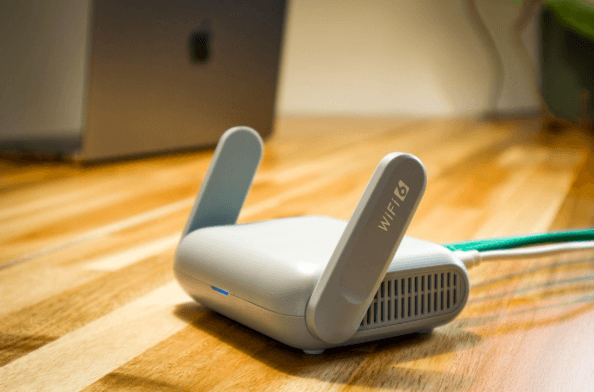
Why Guest Wi-Fi Should Be Separate From Your Business Network
Summary: Guest Wi-Fi should provide internet access while blocking connections to your internal business network. A different Wi-Fi name and password do not confirm that the networks are separated. The router, access points, and firewall must also be configured to prevent guest devices from reaching internal systems. Offering Wi-Fi to customers, contractors, and visitors is…
-

What Happens to Your Data When You Cancel a Cloud Service?
Summary: Before canceling a cloud service, export your data and confirm that the files can be opened or imported. Move any connected applications and sign-ins, then check the provider’s current rules for access, billing, retention, and deletion. A cloud service may hold years of customer records, documents, emails, invoices, project history, or staff activity. If…
Archived posts
-
Stop Account Hacks: The Advanced Guide to Protecting Your Small Business Logins
Sometimes the first step in a cyberattack isn’t code. It’s a click. A single login involving one username and password can give an intruder a front-row seat to everything your business does online. For small and mid-sized companies, those credentials are often the easiest target. According to MasterCard, 46% of small businesses have dealt with…
-
Lost Without a Tech Plan? Create Your Small Business IT Roadmap for Explosive Growth
Do you ever feel like your technology setup grew without you really noticing? One day you had a laptop and a few software licenses, and now you’re juggling dozens of tools, some of which you don’t even remember signing up for. A recent SaaS management index found that small businesses with under 500 employees use,…
-
How Smart IT Boosts Employee Morale and Keeps Your Best People
Picture someone in the middle of a presentation, with the room (or Zoom) fully engaged, when their laptop freezes. You can almost hear the collective groan. That tension sticks, and if it happens often, it doesn’t just derail a meeting. It chips away at how people feel about their jobs. That’s why IT isn’t just…