Blog
-

Small Business IT Budget: What to Include and How to Plan It
Summary: Your IT budget should include the technology you already use, the support required to maintain it, and the upgrades you expect to make during the year. It should also cover cybersecurity, backups, employee changes, planned projects, and a reserve for urgent repairs or replacements. If your IT budget only covers computers, Microsoft 365, and…
-
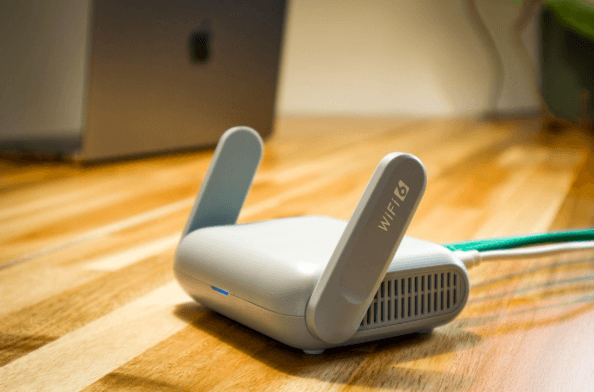
Why Guest Wi-Fi Should Be Separate From Your Business Network
Summary: Guest Wi-Fi should provide internet access while blocking connections to your internal business network. A different Wi-Fi name and password do not confirm that the networks are separated. The router, access points, and firewall must also be configured to prevent guest devices from reaching internal systems. Offering Wi-Fi to customers, contractors, and visitors is…
-

What Happens to Your Data When You Cancel a Cloud Service?
Summary: Before canceling a cloud service, export your data and confirm that the files can be opened or imported. Move any connected applications and sign-ins, then check the provider’s current rules for access, billing, retention, and deletion. A cloud service may hold years of customer records, documents, emails, invoices, project history, or staff activity. If…
Archived posts
-
Data Overload? Make Your Numbers Speak Volumes with Simple Data Visualization for SMBs
Do you ever open up a report, scroll through for a few seconds, and think, “Where do I even start?”If you run a small or midsize business, you’ve likely been there. The sales numbers are buried under marketing analytics, operational stats, and a dozen other data points you didn’t even ask for. It’s all “important”…
-
AI Demystified: What to Know About the Current Tools on the Market in 2025
Walk into almost any IT department right now, and you’ll hear the same conversation at least once a week: “Have you tried that new AI tool yet? I heard it’s a game-changer.” The truth is that the market is buzzing with promise and noise. A recent McKinsey survey shows that 78% of companies now use…
-
Wi-Fi Performance Secrets to Boost Your Business Productivity
Nothing disrupts your workday quite like unreliable Wi-Fi. One moment everything’s running smoothly, and the next, video calls freeze, files won’t upload, and the team struggles to meet deadlines because everything’s slowed down. Being stuck in this situation is exhausting, killing productivity, and impacting the entire business. When slowdowns start happening regularly, frustration quickly builds.…