Blog
-

How Hackers Keep Access to Your Email After You Change the Password
Summary: Changing the password blocks someone from signing in with the old password. However, they may still have an active session, a forwarding rule, access through a connected app, mailbox permissions, or a recovery method they added. When someone gets into a business email account, changing the password should happen immediately. Once that is done,…
-
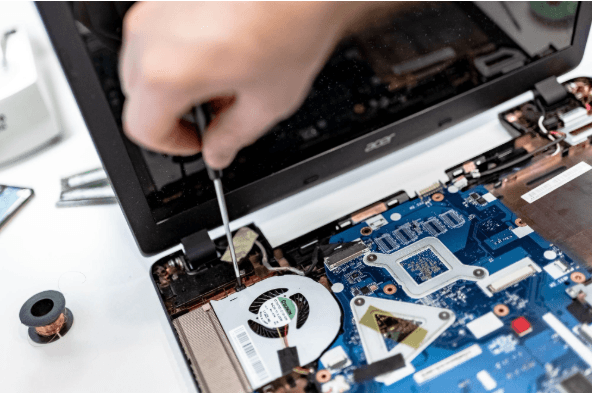
How Long Business Computers Last and When to Replace Them
Summary: Three to five years is a practical replacement range for many business computers. The right time depends on security support, reliability, performance, warranty coverage, repair costs, and the employee’s work. Replace any computer that cannot run a supported operating system or the software your business requires. Most business computers do not fail all at…
-

Small Business IT Budget: What to Include and How to Plan It
Summary: Your IT budget should include the technology you already use, the support required to maintain it, and the upgrades you expect to make during the year. It should also cover cybersecurity, backups, employee changes, planned projects, and a reserve for urgent repairs or replacements. If your IT budget only covers computers, Microsoft 365, and…
Archived posts
-
Still on Windows 10? Here’s Why You’re Putting Your Business at Risk
Article Summary: Windows 10 reached the end of Microsoft support on October 14, 2025, which means it no longer gets security updates. The computers still work, but any new flaw found in Windows 10 will never be fixed, which makes them easier to attack and can cause problems with compliance and cyber insurance. You have…
-
Who Can See What Your AI Note-Taker Records?
Article Summary: AI note-takers join your meetings, transcribe everything said, and save the recording and summary to the vendor’s servers. Who can see that recording depends on the tool. Some keep your data inside your own Microsoft or Google environment and never use it for training, while others store it on their own servers and…
-
How to Stop Scammers from Sending Emails in Your Company’s Name
Article Summary: Email spoofing is when a scammer sends a message that appears to come from your domain, often to trick your clients or staff into paying a fake invoice or changing banking details. Three DNS records (SPF, DKIM, and DMARC) prove that a message really came from you and tell receiving mail servers to…