Blog
-
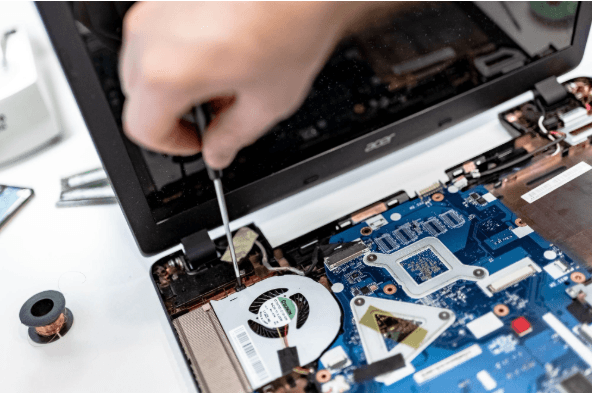
How Long Business Computers Last and When to Replace Them
Summary: Three to five years is a practical replacement range for many business computers. The right time depends on security support, reliability, performance, warranty coverage, repair costs, and the employee’s work. Replace any computer that cannot run a supported operating system or the software your business requires. Most business computers do not fail all at…
-

Small Business IT Budget: What to Include and How to Plan It
Summary: Your IT budget should include the technology you already use, the support required to maintain it, and the upgrades you expect to make during the year. It should also cover cybersecurity, backups, employee changes, planned projects, and a reserve for urgent repairs or replacements. If your IT budget only covers computers, Microsoft 365, and…
-
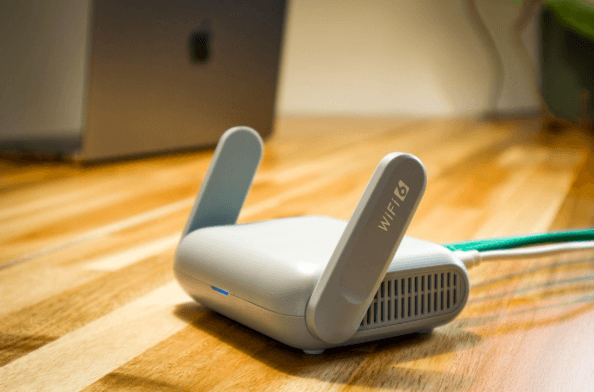
Why Guest Wi-Fi Should Be Separate From Your Business Network
Summary: Guest Wi-Fi should provide internet access while blocking connections to your internal business network. A different Wi-Fi name and password do not confirm that the networks are separated. The router, access points, and firewall must also be configured to prevent guest devices from reaching internal systems. Offering Wi-Fi to customers, contractors, and visitors is…
Archived posts
-
Is Your Business Losing Money Because Employees Can’t Use Tech?
Shiny new tech can be exciting! It promises increased efficiency, happier employees, and a competitive edge. It’s also necessary to stay competitive in today’s technology-driven business world. But that promise can turn into a financial nightmare if you neglect two important things. These are employee training and change management. You can end up losing money…
-
10 Easy Steps to Building a Culture of Cyber Awareness
Cyberattacks are a constant threat in today’s digital world. Phishing emails, malware downloads, and data breaches. They can cripple businesses and devastate personal lives. Employee error is the reason many threats get introduced to a business network. A lack of cybersecurity awareness is generally the culprit. People don’t know any better, so they accidentally click…
-
What Were the Coolest Consumer Products Showcased at CES 2024?
The annual Consumer Electronics Show (CES) was an exciting one this year. It left us with a mind-blowing glimpse into the future of technology. CES 2024 showcased a smorgasbord of cutting-edge gadgets. Including transparent TVs and robot pet buddies. These gadgets promise to revolutionize our homes and the way we interact with the world. With…