Blog
-
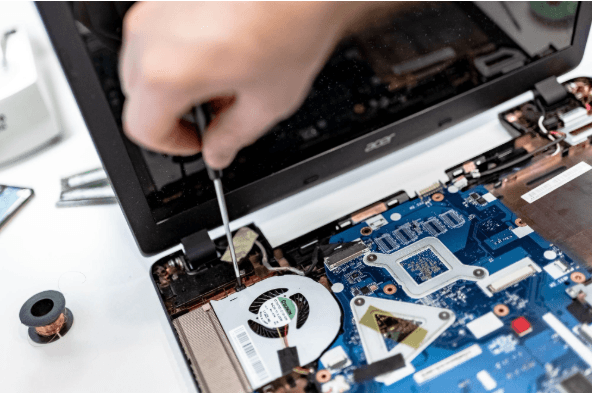
How Long Business Computers Last and When to Replace Them
Summary: Three to five years is a practical replacement range for many business computers. The right time depends on security support, reliability, performance, warranty coverage, repair costs, and the employee’s work. Replace any computer that cannot run a supported operating system or the software your business requires. Most business computers do not fail all at…
-

Small Business IT Budget: What to Include and How to Plan It
Summary: Your IT budget should include the technology you already use, the support required to maintain it, and the upgrades you expect to make during the year. It should also cover cybersecurity, backups, employee changes, planned projects, and a reserve for urgent repairs or replacements. If your IT budget only covers computers, Microsoft 365, and…
-
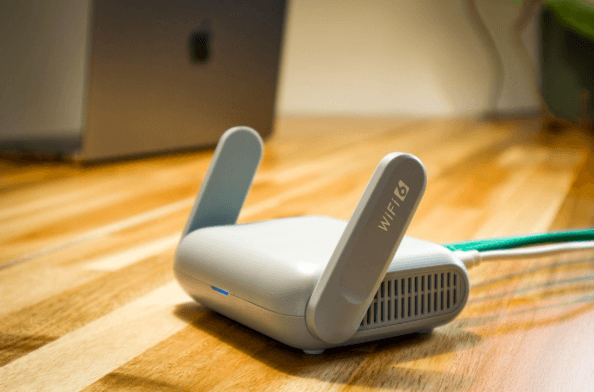
Why Guest Wi-Fi Should Be Separate From Your Business Network
Summary: Guest Wi-Fi should provide internet access while blocking connections to your internal business network. A different Wi-Fi name and password do not confirm that the networks are separated. The router, access points, and firewall must also be configured to prevent guest devices from reaching internal systems. Offering Wi-Fi to customers, contractors, and visitors is…
Archived posts
-
Ultimate Guide to Safe Cloud Storage
Since we live in a digital world, cloud storage is an important tool for both personal and business use. So long as they have an internet connection, users can store and get to their info from anywhere at any time. But while cloud storage is convenient, there is a chance that your data could be…
-
Complete Guide to Strong Passwords and Authentication
Cyber risks are smarter than ever in today’s digital world. People and companies can lose money, have their data stolen, or have their identities stolen if they use weak passwords or old authentication methods. A strong password is the first thing that will protect you from hackers, but it’s not the only thing that will…
-
What is Password Spraying?
Password spraying is a complex type of cyberattack that uses weak passwords to get into multiple user accounts without permission. Using the same password or a list of passwords that are often used on multiple accounts is what this method is all about. The goal is to get around common security measures like account lockouts. …