Blog
-

How Hackers Keep Access to Your Email After You Change the Password
Summary: Changing the password blocks someone from signing in with the old password. However, they may still have an active session, a forwarding rule, access through a connected app, mailbox permissions, or a recovery method they added. When someone gets into a business email account, changing the password should happen immediately. Once that is done,…
-
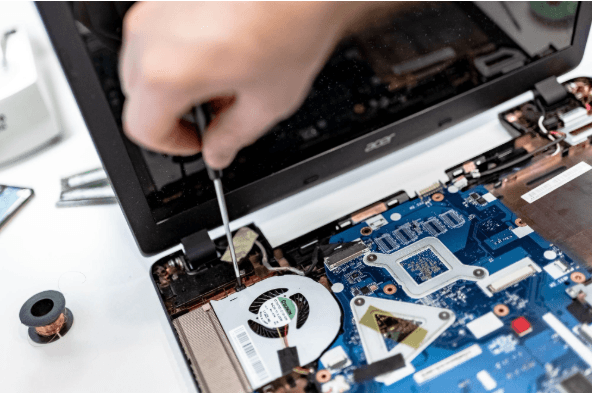
How Long Business Computers Last and When to Replace Them
Summary: Three to five years is a practical replacement range for many business computers. The right time depends on security support, reliability, performance, warranty coverage, repair costs, and the employee’s work. Replace any computer that cannot run a supported operating system or the software your business requires. Most business computers do not fail all at…
-

Small Business IT Budget: What to Include and How to Plan It
Summary: Your IT budget should include the technology you already use, the support required to maintain it, and the upgrades you expect to make during the year. It should also cover cybersecurity, backups, employee changes, planned projects, and a reserve for urgent repairs or replacements. If your IT budget only covers computers, Microsoft 365, and…
Archived posts
-
AI for Efficiency: How to Automate Daily Tasks and Free Up Your Time (Without a Huge Budget)
Running a small business means wearing a lot of hats. These hats run from managing operations, handling customer inquiries to keeping everything running smoothly. There’s a solution that can lighten the load, AI-powered automation. Thanks to technological advancements, these tools have become more accessible and cost-effective than ever, allowing small business owners to automate tasks…
-
Can My Data Be Removed from the Dark Web?
Personal data protection is more important than ever in this digital world. The dark web is a secret part of the internet that is very dangerous because it is often used for illegal things like selling personal information. Because the dark web is decentralized and private, it is very hard to get rid of data…
-
7 Unexpected Ways Hackers Can Access Your Accounts
The digital age has made our lives easier than ever, but it has also made it easier for hackers to take advantage of our online weaknesses. Hackers are getting smarter and using more creative ways to get into people’s personal and business accounts. It’s easy to think of weak passwords and phishing emails as the…