Blog
-

Small Business IT Budget: What to Include and How to Plan It
Summary: Your IT budget should include the technology you already use, the support required to maintain it, and the upgrades you expect to make during the year. It should also cover cybersecurity, backups, employee changes, planned projects, and a reserve for urgent repairs or replacements. If your IT budget only covers computers, Microsoft 365, and…
-
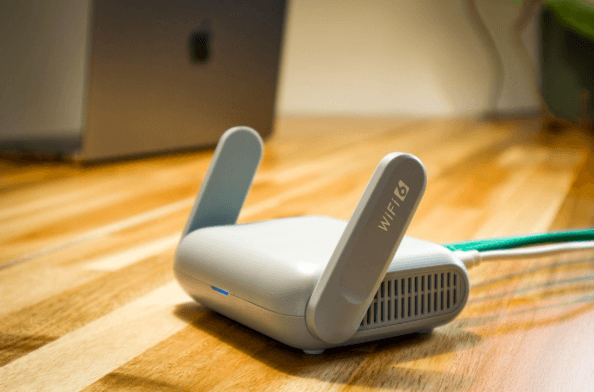
Why Guest Wi-Fi Should Be Separate From Your Business Network
Summary: Guest Wi-Fi should provide internet access while blocking connections to your internal business network. A different Wi-Fi name and password do not confirm that the networks are separated. The router, access points, and firewall must also be configured to prevent guest devices from reaching internal systems. Offering Wi-Fi to customers, contractors, and visitors is…
-

What Happens to Your Data When You Cancel a Cloud Service?
Summary: Before canceling a cloud service, export your data and confirm that the files can be opened or imported. Move any connected applications and sign-ins, then check the provider’s current rules for access, billing, retention, and deletion. A cloud service may hold years of customer records, documents, emails, invoices, project history, or staff activity. If…
Archived posts
-
The MFA Level-Up: Why SMS Codes Are No Longer Enough (and What to Use Instead)
For years, enabling Multi-Factor Authentication (MFA) has been a cornerstone of account and device security. While MFA remains essential, the threat landscape has evolved, making some older methods less effective. The most common form of MFA, four- or six-digit codes sent via SMS, is convenient and familiar, and it’s certainly better than relying on passwords…
-
The Daily Cloud Checkup: A Simple 15-Minute Routine to Prevent Misconfiguration and Data Leaks
Moving to the cloud offers incredible flexibility and speed, but it also introduces new responsibilities for your team. Cloud security is not a “set it and forget it” type task, small mistakes can quickly become serious vulnerabilities if ignored. You don’t need to dedicate hours each day to this. In most cases, a consistent, brief…
-
The “Deepfake CEO” Scam: Why Voice Cloning Is the New Business Email Compromise (BEC)
The phone rings, and it’s your boss. The voice is unmistakable; with the same flow and tone you’ve come to expect. They’re asking for a favor: an urgent wire transfer to lock in a new vendor contract, or sensitive client information that’s strictly confidential. Everything about the call feels normal, and your trust kicks in…