Blog
-

Small Business IT Budget: What to Include and How to Plan It
Summary: Your IT budget should include the technology you already use, the support required to maintain it, and the upgrades you expect to make during the year. It should also cover cybersecurity, backups, employee changes, planned projects, and a reserve for urgent repairs or replacements. If your IT budget only covers computers, Microsoft 365, and…
-
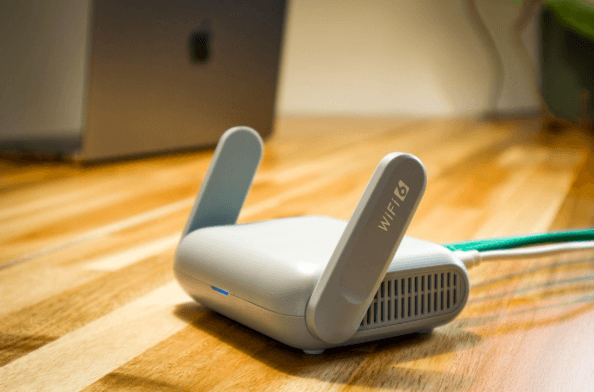
Why Guest Wi-Fi Should Be Separate From Your Business Network
Summary: Guest Wi-Fi should provide internet access while blocking connections to your internal business network. A different Wi-Fi name and password do not confirm that the networks are separated. The router, access points, and firewall must also be configured to prevent guest devices from reaching internal systems. Offering Wi-Fi to customers, contractors, and visitors is…
-

What Happens to Your Data When You Cancel a Cloud Service?
Summary: Before canceling a cloud service, export your data and confirm that the files can be opened or imported. Move any connected applications and sign-ins, then check the provider’s current rules for access, billing, retention, and deletion. A cloud service may hold years of customer records, documents, emails, invoices, project history, or staff activity. If…
Archived posts
-
LinkedIn “Social Engineering”: Protecting Your Staff from Fake Recruitment Scams
A fake recruiter message is one of the cleanest social engineering tricks around because it doesn’t look like a trick. That’s why LinkedIn recruitment scams work so well inside real businesses. They don’t arrive as malware. They arrive as a normal conversation that nudges someone toward one small action: click this link, open this file,…
-
“Clean Desk” 2.0: Securing Your Home Office from Physical Data Leaks
In the traditional office, a “Clean Desk” policy was a simple habit: shred the sensitive stuff, lock it away, and don’t leave passwords where someone can see them. In 2026, the same idea still matters but the “desk” has changed. For many teams, the home office is now the default workspace, and that means physical…
-
The Essential Checklist for Securing Company Laptops at Home
At home, security incidents don’t look like dramatic movie hacks. They look like stepping away from your laptop during a delivery, or leaving it unlocked while you grab something from another room. Those ordinary moments, repeated over time, are how work devices end up exposed. A remote work security checklist focuses on simple, practical controls…